
AT&T Premier Login Help for Business Wireless Customers
Use this page to find the official AT&T Premier login, AT&T Business Login Portal, Premier support, FastPay, Transfer PIN help, and Transfer of Billing Responsibility instructions.
Curtis Matthews helps AT&T business customers nationwide when Premier access, account changes, upgrades, new lines, plans, promotions, Transfer PIN issues, or Transfer of Billing Responsibility questions slow things down.
Trying to sign in to AT&T Premier? Start with the official AT&T links below. If your real issue is adding a line, upgrading a phone, changing a plan, moving a number, or fixing a business wireless account problem, contact Curtis Matthews for AT&T business account help.
What AT&T Premier is used for
AT&T Premier is a business wireless portal used by many AT&T business customers to view account information, manage wireless lines, check usage, pay invoices, and handle certain account tasks.
Use the right AT&T link
- AT&T Premier Login: use this if your business wireless account is managed through Premier.
- AT&T Business Login Portal: use this if you are not sure which AT&T business sign-in page applies.
- Premier Support: use this for login errors, password problems, and access issues.
- FastPay: use this if you only need to make a one-time payment without signing in.
What Curtis can help with after Premier login
Many people search for AT&T Premier login because they are trying to finish a business wireless task, not just sign in. That is where having one business wireless contact can help.
Get help reviewing upgrade options, device pricing, trade-in offers, and monthly bill impact before placing the order.
Add smartphone, tablet, hotspot, or business wireless lines with help from one contact instead of guessing online.
Check current AT&T business wireless plans, available promotions, and whether a plan change makes sense.
Get pointed to the right process when moving numbers, transferring billing responsibility, or handling business account changes.
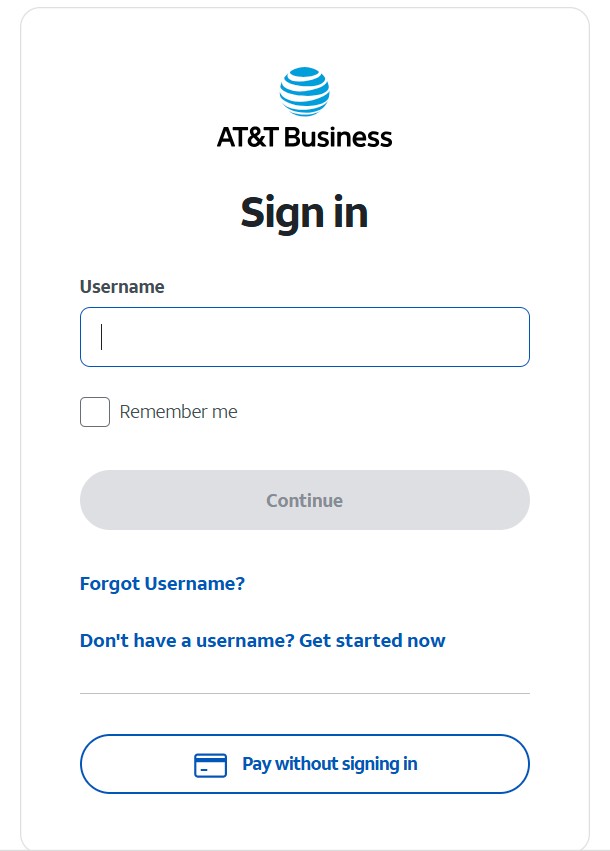
What the AT&T Premier login page looks like
This is the AT&T Premier sign-in screen where business users enter their login details on the official AT&T website.
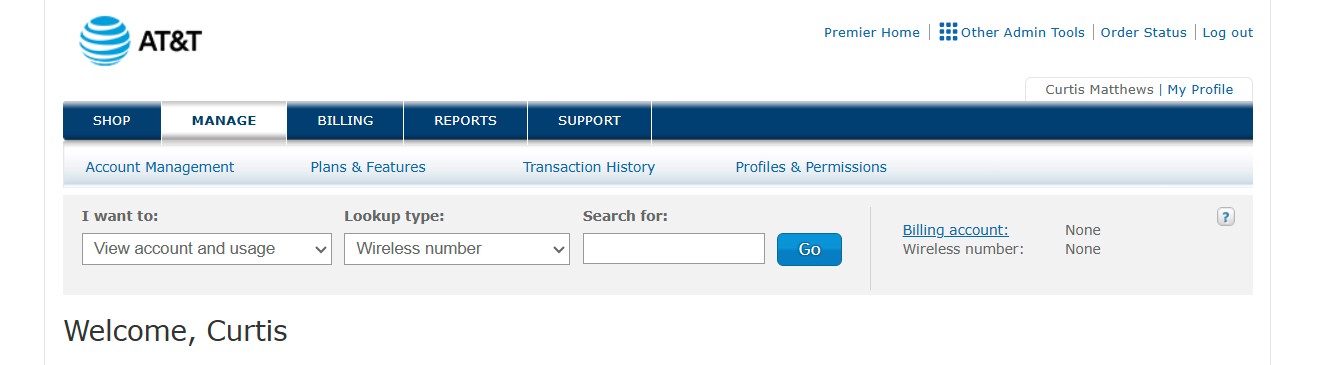
Inside the AT&T Premier portal
Once logged in, Premier may give business users access to billing, usage, account management, wireless line details, and other business wireless tools.
Trying to get a Transfer PIN in AT&T Premier?
If you are logged into Premier and need to move a number from AT&T to another carrier, go to the Transfer PIN page. It explains the Premier path and what to do if the Port Out Transfer PIN option is missing from your business account.
Need help adding lines or upgrading phones?
Premier can be useful, but many business customers still want a real contact who helps check pricing, promotions, device options, plan fit, shipping, activation, and follow-up.
Curtis Matthews works with AT&T business customers nationwide for new lines, upgrades, plan reviews, business wireless promotions, and account changes.
FAQ
What is AT&T Premier?
AT&T Premier is a business wireless portal used by many AT&T business customers to manage wireless account access, usage, billing, and certain account tasks.
Where is the official AT&T Premier login?
Use the official AT&T Premier Login button near the top of this page. You can also use the AT&T Business Login Portal if you are not sure which sign-in page applies to your account.
Can Curtis reset my AT&T Premier password?
No. Password resets and login access issues should go through official AT&T Premier support. Curtis can help with business wireless account questions tied to upgrades, new lines, plans, promotions, Transfer PIN issues, and account changes.
Can I pay my AT&T bill without signing in?
Yes. Use the FastPay link above for a one-time payment without signing in.
How do I get a Transfer PIN in AT&T Premier?
Use the Port Out Transfer PIN option in Premier when available. If that option is missing or confusing, visit the Transfer PIN instructions page linked above.
What is Transfer of Billing Responsibility?
Transfer of Billing Responsibility is the process used to move a wireless line between AT&T accounts. This may apply when moving a personal line to a business account, moving a business line to another business account, or separating responsibility for a line.
Can Curtis help me add AT&T business lines or upgrade phones?
Yes. Curtis helps AT&T business customers with new lines, upgrades, plan reviews, business wireless promotions, activation guidance, and follow-up after the order.
Important: This page is informational only. No usernames, passwords, account numbers, security codes, or private account information are collected here.
Need one point of contact for your AT&T business wireless account?
If Premier login was only the first step and your real goal is adding lines, upgrading phones, reviewing plans, checking promotions, activating devices, moving numbers, or handling an account change, contact Curtis Matthews.
Contact Curtis MatthewsAT&T business wireless help nationwide. Devices are shipped only. No in-store pickup.